File size
Keep a scanned PDF under a size
A portal asks for one PDF under 2 MB, but your document is a set of photos. Prepare the pages in Scan, enter the portal’s limit and check both the size and readability of the saved copy.
Open workspaceWhen this helps
Use this when a portal limits the size of the PDF you upload. Read the form’s own limit first.
For example
A task you can finish here
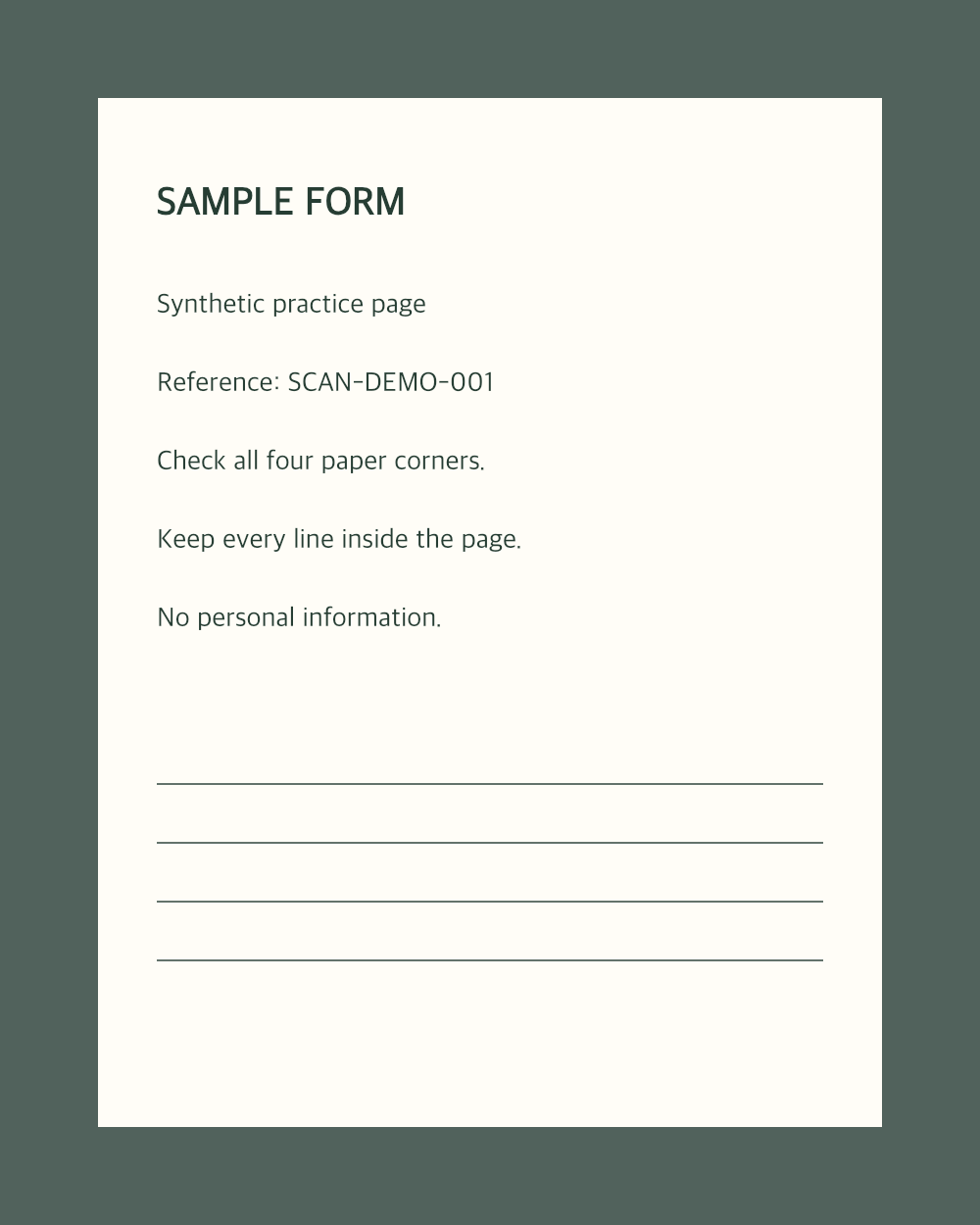
Try paper-example.png below, a synthetic page with a reference code and ruled lines. Open it in Scan, check all four paper corners and choose Original to keep its colours. In Save, choose PDF, A4 and Standard detail, enable Keep the PDF under a size and enter 2 MB. Create the PDF and read the size status. Reopen the download: it should have one page, the full reference SCAN-DEMO-001 and all ruled lines, within 2,000,000 bytes. This small sample may already fit without reductions; it does not prove that five real camera photos will fit or remain legible.
The workflow
Three clear steps
- 01
Prepare the pages
Open JPG or PNG photos of the paper, check all four corners on every page and put the pages in order. Compare each cleaned page with Original; keep Original or Colour document if faint writing or stamps disappear.
- 02
Enter the size
In Save, choose PDF and the paper size the recipient needs. Start with Standard detail. Enable Keep the PDF under a size, enter the maximum and select KB or MB. Here, 2 MB means 2,000,000 bytes. Choose Create PDF.
- 03
Read the result
Read whether the limit was met and which pages lost quality or pixels. Download and reopen the PDF; check page count, order, the smallest text and faint marks. If the target is missed, save fewer pages only if the recipient permits it, or use Black and white only where it preserves the content. A downloadable result can still exceed the limit.
Your photos and the public site
Open photos only in the separate Scan workspace. Its processing runs in your browser; this public site does not receive your photos, their names, the pages or any setting.Read the privacy information.
Questions
Will the PDF ever be larger than without a size?
No. A size only makes pages smaller; the usual 80 % quality is never exceeded.
Does it count 1 MB as 1,000,000 bytes?
Yes. Forms disagree, so the stricter reading is used: 1 KB is 1,000 bytes and 1 MB 1,000,000.
Can I compress an existing PDF in Scan?
No. Scan starts from JPG or PNG photos and applies a size limit to the PDF it creates. It does not import an existing PDF. The size limit applies to PDF output, not page images or ZIP downloads.
Ready to make the pages?
Your photos stay unchanged.
Open workspace